
1. Open your web browser of choice.
2. Go to the Following website ( please add to your favorites) https://global.ezcloud.uniview.com/login
3. Click on Sign Up

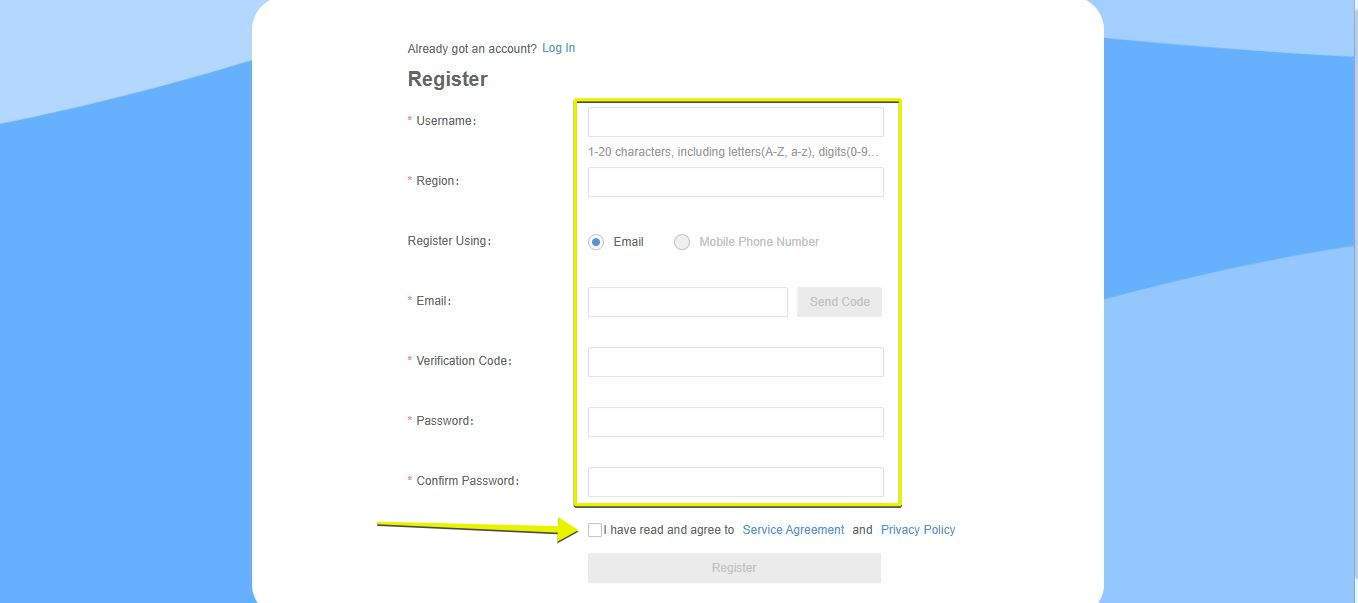
4. You will be directed to the page below to register an account.
5. Fill in the info needed.
6. Check box The " I have and agree"
7. Click Register
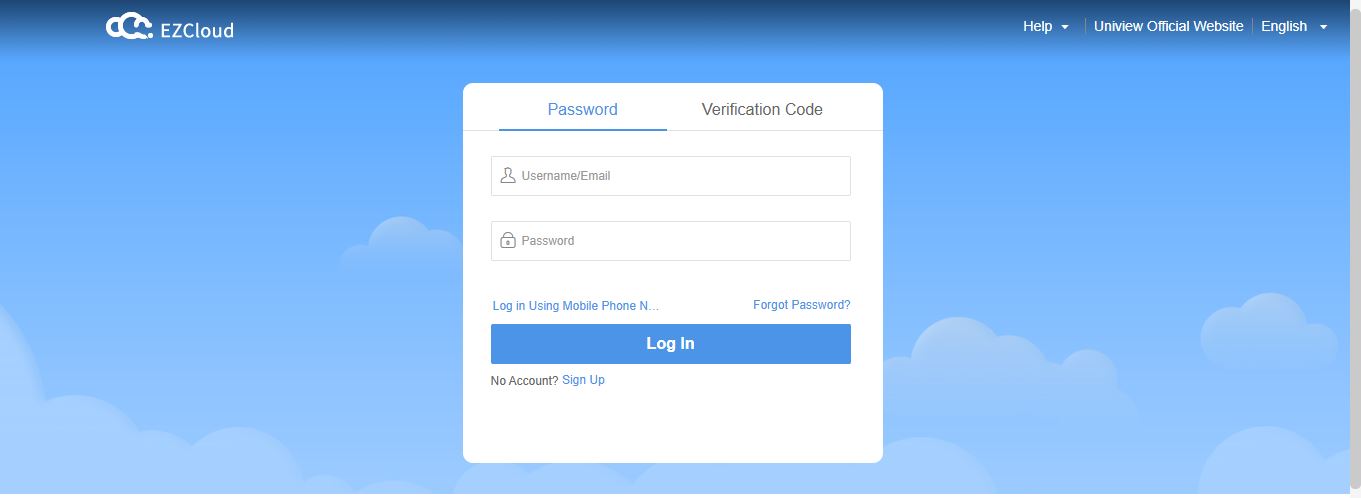
8. Once you are registered please return to the Log In page, and Log In.
9. Once you are logged in, You will be prompted to download the latest P2P service Plug-in. This Plug-in is needed to view the cameras live.
10. Follow the instruction to download, and close your web browser before installing the Plug-in.

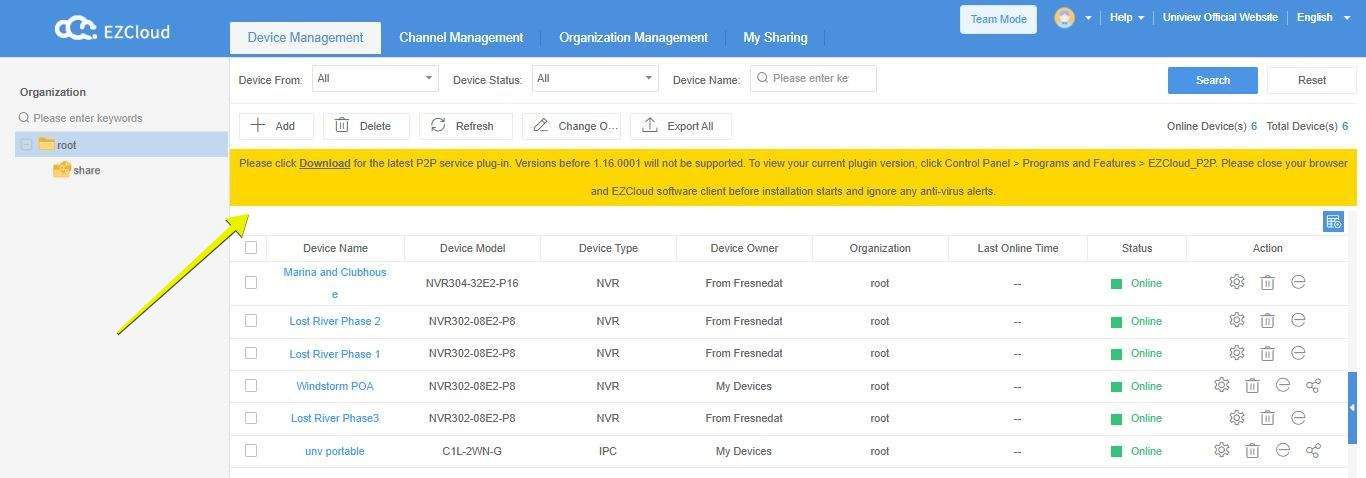
Please provide ATS with the user name and email used to register your account. After every installation the new NVR will automatically appear on your dashboard as seen above.
Once logged in. You will find all your NVR's will be listed click on the "e" to the right of you NVR, that will log you into the system. Press the play button on the bottom left of your screen. Be sure to pic the right amount of cameras before pressing Play Please see below video